


Companion

A Must-Have Menu Bar App!
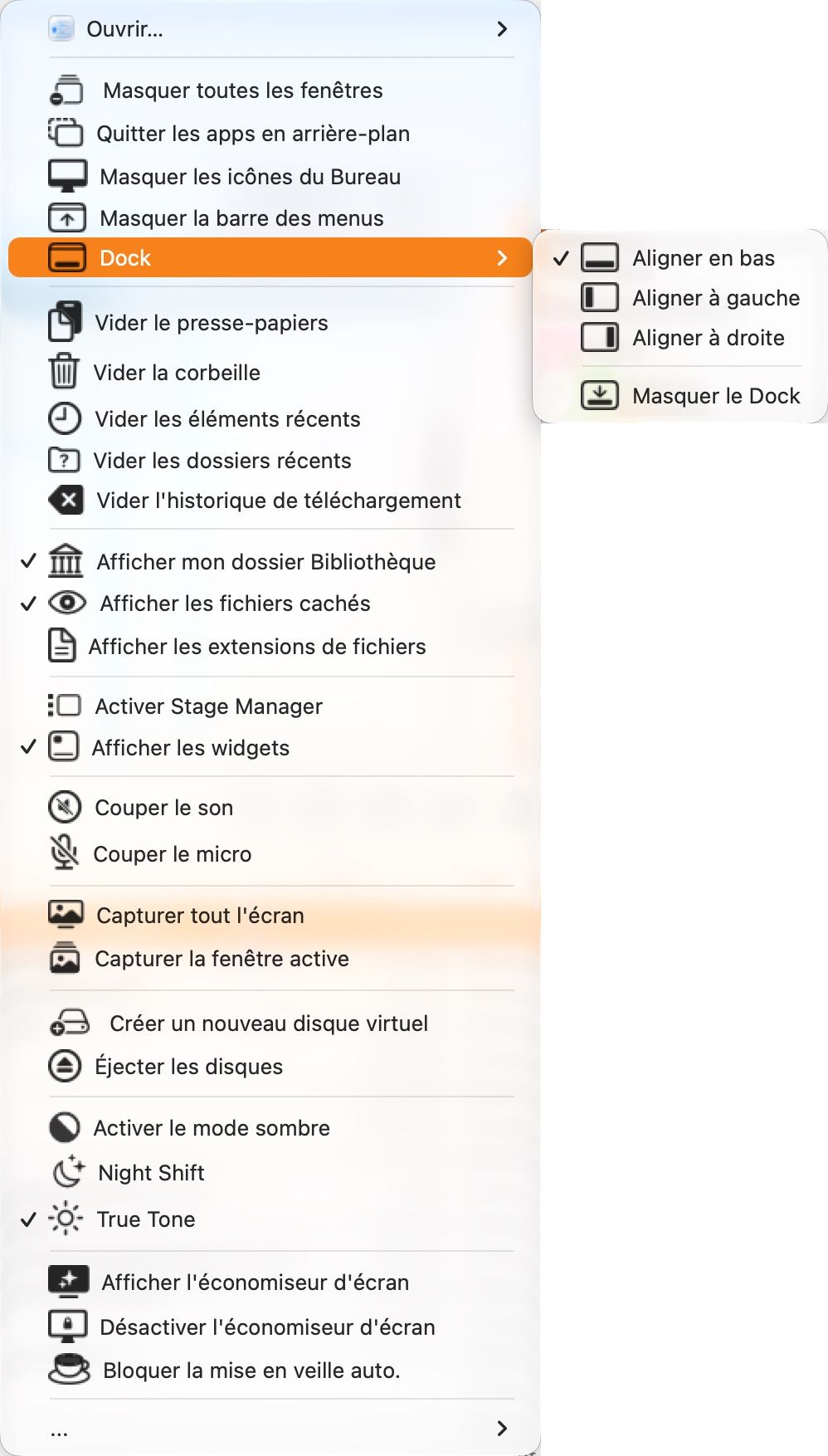
Companion is MicMac’s little sibling: a discreet menu bar icon that puts your everyday settings just a click away. No more digging through System Settings to find what you need.
Hide windows, mute your sound or microphone, turn on Night Shift, True Tone or Dark Mode, keep your Mac awake, empty the Trash and clear your activity traces, capture your screen or a window — it’s all right there, just a click away.
Launch it from your keyboard with Control + Option + C, and keep your menu clutter-free by choosing which categories to display. Available in English and French.
(From macOS 13 Ventura to macOS 27 Golden Gate)
SHA-256 checksum:
AAB45A3B0D72FE3BC9D60D9C9AB1D5B847E3E24026B7E70913AF0140DA5AC356

.png?t=39ee03d3_398c_4eee_b0d5_327b0a92daf3)
Livebox Manager

Control your Orange Livebox™ easily, from your Mac
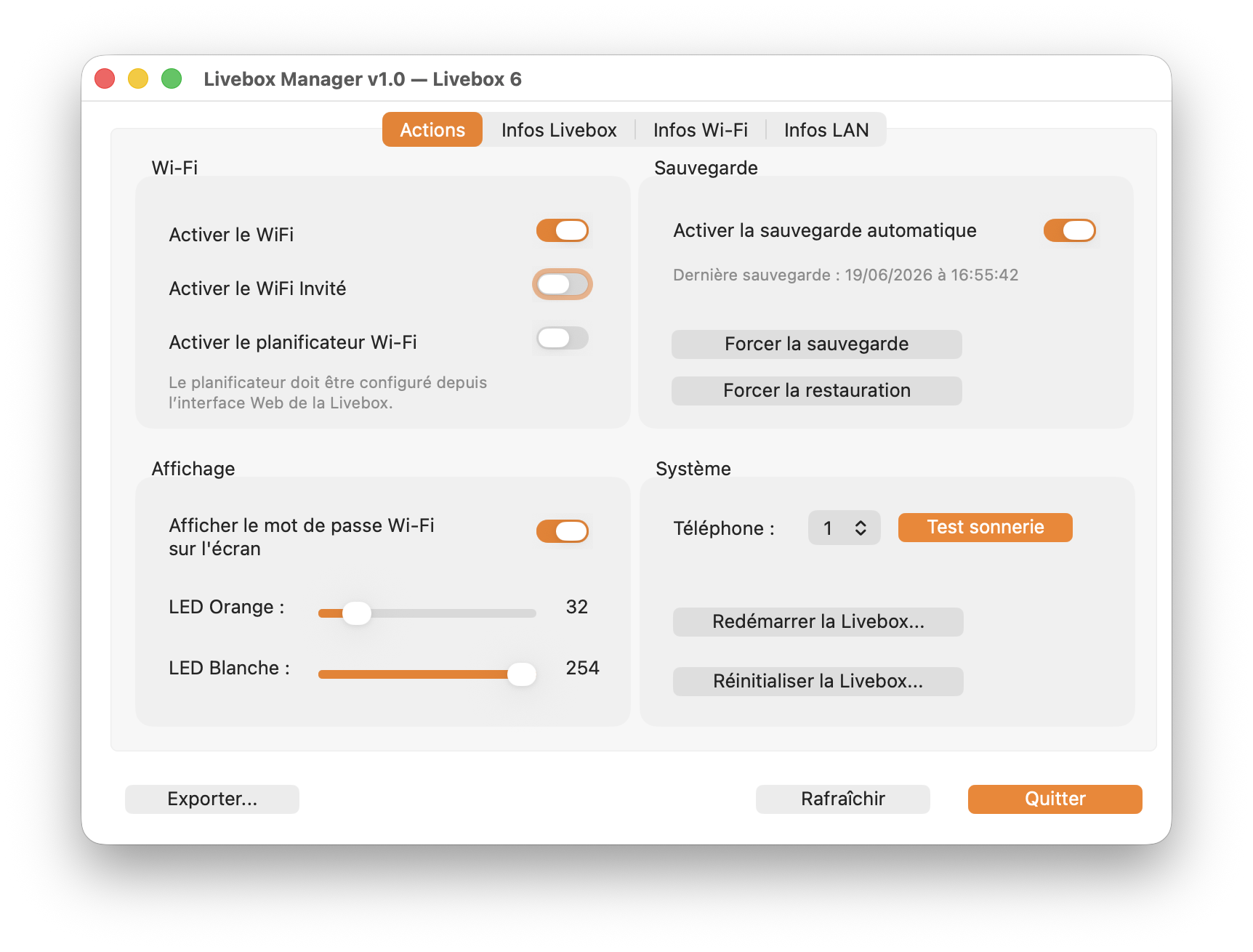
Livebox Manager is a native Mac app to control the essential features of your Orange Livebox™, without using the web interface. Manage your main and guest Wi-Fi, the scheduler, backups, LED brightness and the DECT phone ringer. Get an instant overview of key technical information: your Internet status, Wi-Fi band details and the speed of your network ports. Print or export a complete technical report in one click. Administrator password encrypted locally, no data sent to any third party. Compatible with Livebox 4, 5, 6, 6 Pro and 7.
(macOS 12 and greater)
SHA-256 checksum:
9978D32F74FFC409BD43F394672E90E51D16BCFB2F6FE53C65034B0B293104A7
.png?t=39ee03d3_398c_4eee_b0d5_327b0a92daf3)
PowerFox
Customize Firefox the easy way!
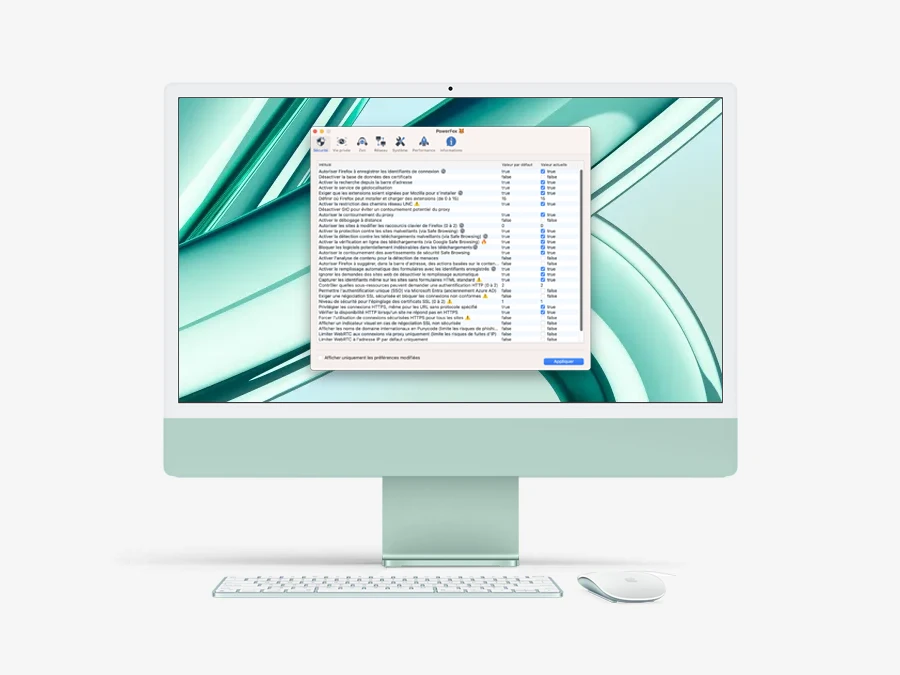
PowerFox is a macOS utility that simplifies advanced customization of Firefox. It makes dozens of often obscure preferences accessible and understandable via a clear, well-organized interface. Settings are organized by theme (security, privacy, performance, etc.), with precise explanations for each option. The application also includes filtering, search and debugging tools.
(macOS 12 and greater)
SHA-256 checksum:
6F6477604250D17891020EE4693CE985D5C458FA7EC95E4445DB7BC86ACDBE19
.png?t=39ee03d3_398c_4eee_b0d5_327b0a92daf3)
.png?t=39ee03d3_398c_4eee_b0d5_327b0a92daf3)
PowerBoot
A Smart Startup Item Manager for Your Mac
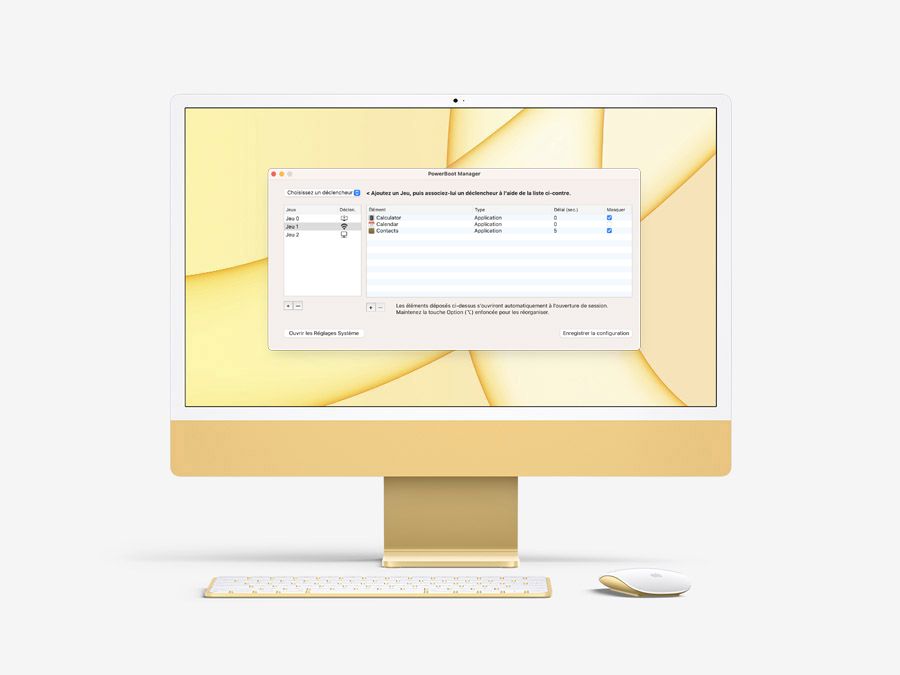
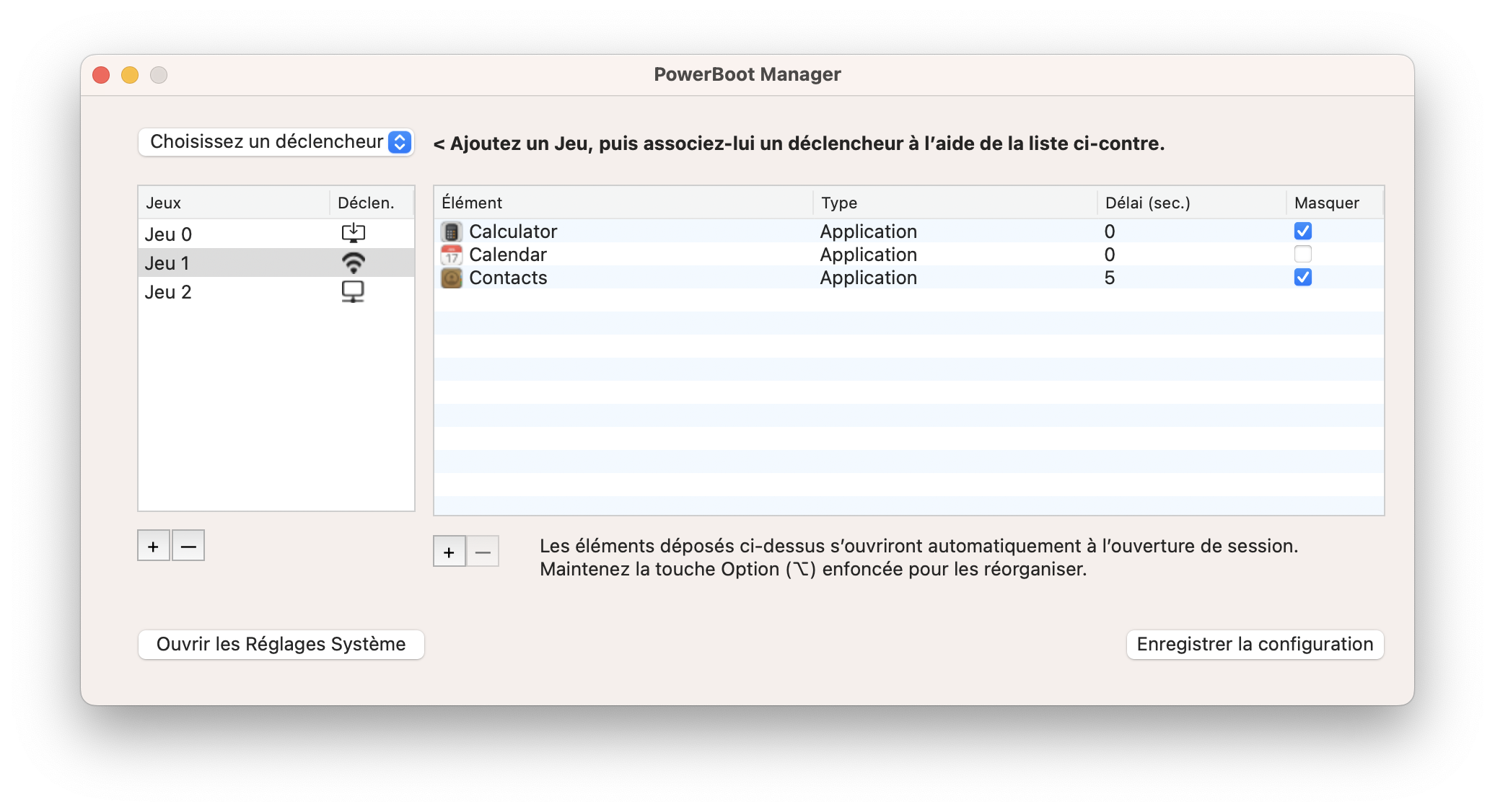
Configure exactly which apps, Shell scripts, and AppleScripts launch at login, and in what order. Thanks to its smart triggers, PowerBoot automatically adjusts your Mac’s startup based on your network connection (Wi-Fi or Ethernet), power source (battery or AC), or location. You’ll also enjoy the ability to launch apps discreetly—a feature missing from macOS Ventura and later versions—so you can enjoy a clean and organized desktop right away. Available in French and English, PowerBoot seamlessly integrates with your system’s language settings.
(macOS 13 and greater)
SHA-256 checksum:
0D356A529EB74C49CE405615F7329197A9619E4270C4EE043950D268405B11CC
.png?t=39ee03d3_398c_4eee_b0d5_327b0a92daf3)
Padly
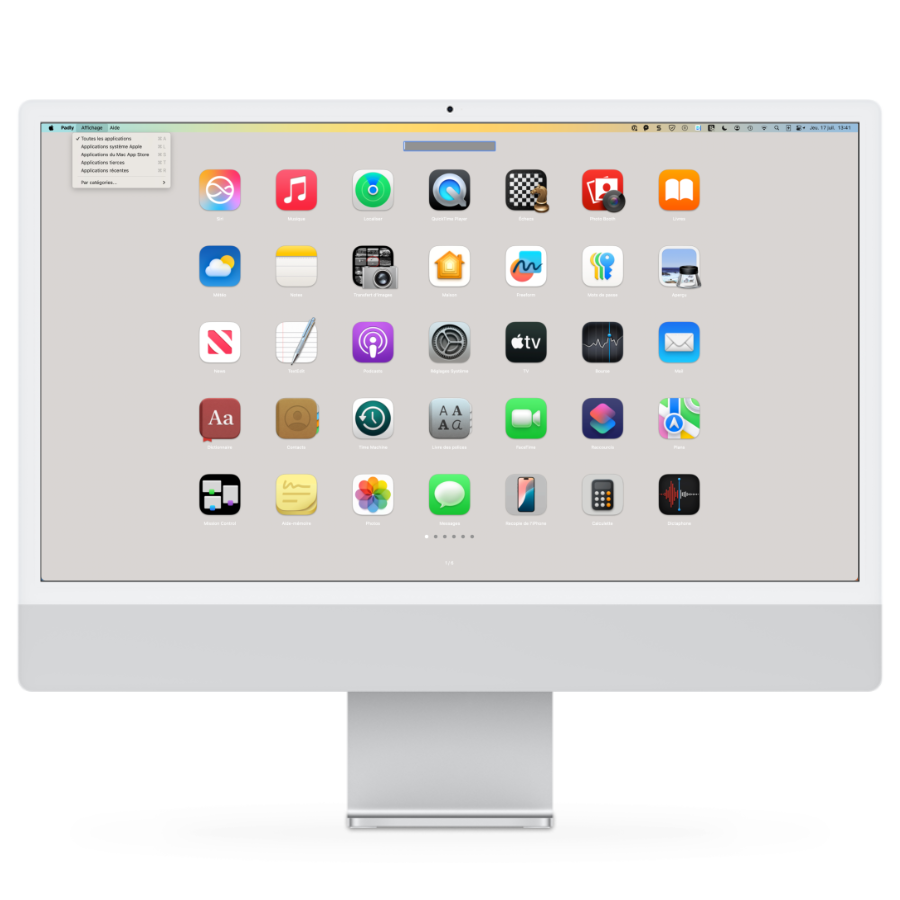
Discover Padly: the reinvented Launchpad!
Padly takes inspiration from the late Launchpad, with a nod to its successor Apps, while forging its own path. It's not just another clone, like so many others out there: Padly rethinks how you access your apps by eliminating databases in favor of smart filters.
The result? No more scrolling through dozens of pages. Padly instantly displays the apps you really need, the ones you use most often, right when you need them.
With its real-time search field and ultra-efficient keyboard shortcuts, Padly transforms launching apps into a fast, smooth, and enjoyable experience. A unique feature allows you to hide certain apps on a discreet page, inspired by the iOS hidden photos system.
(macOS 12 to macOS 26 Tahoe)
SHA-256 checksum:
12577613F6058B416DC7775FCD3CB7656382297E95339876CC1A0915660AEDE1


HideMySecrets
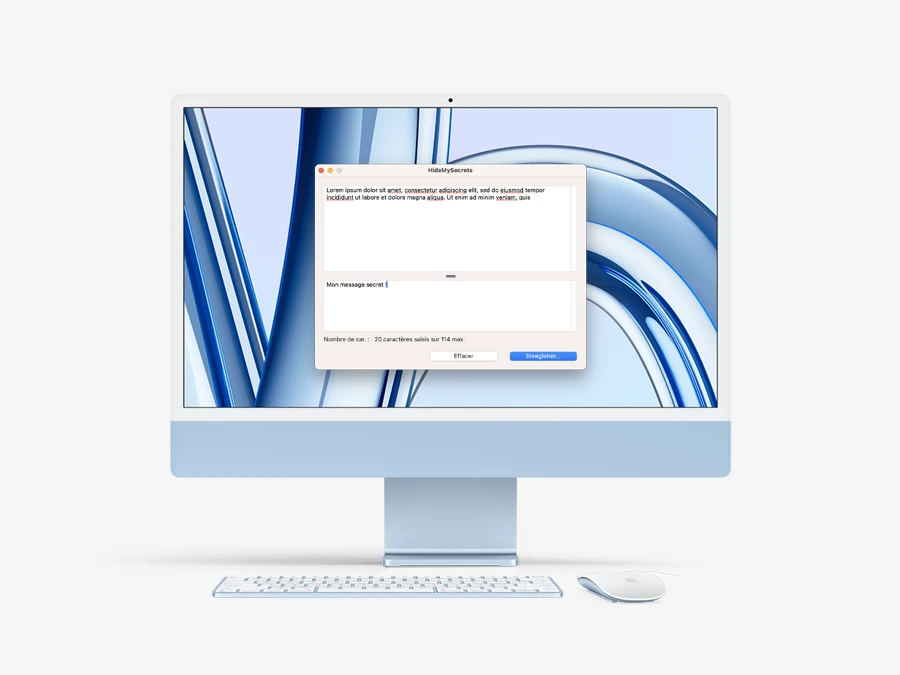
Hide your secret messages in an innocuous text!
HideMySecrets is a text steganography application that hides secret messages in ordinary text. It uses invisible Unicode characters to encode the hidden information. The resulting text, compatible with standard editors such as TextEdit, looks normal but contains a secret message that can only be extracted by insiders, ensuring discreet communication.
(macOS 14 and greater)
SHA-256 checksum:
BD990517ECEE4EBD35D388A641F9ED4A1D2A195E550EECF40470C849AA274D01
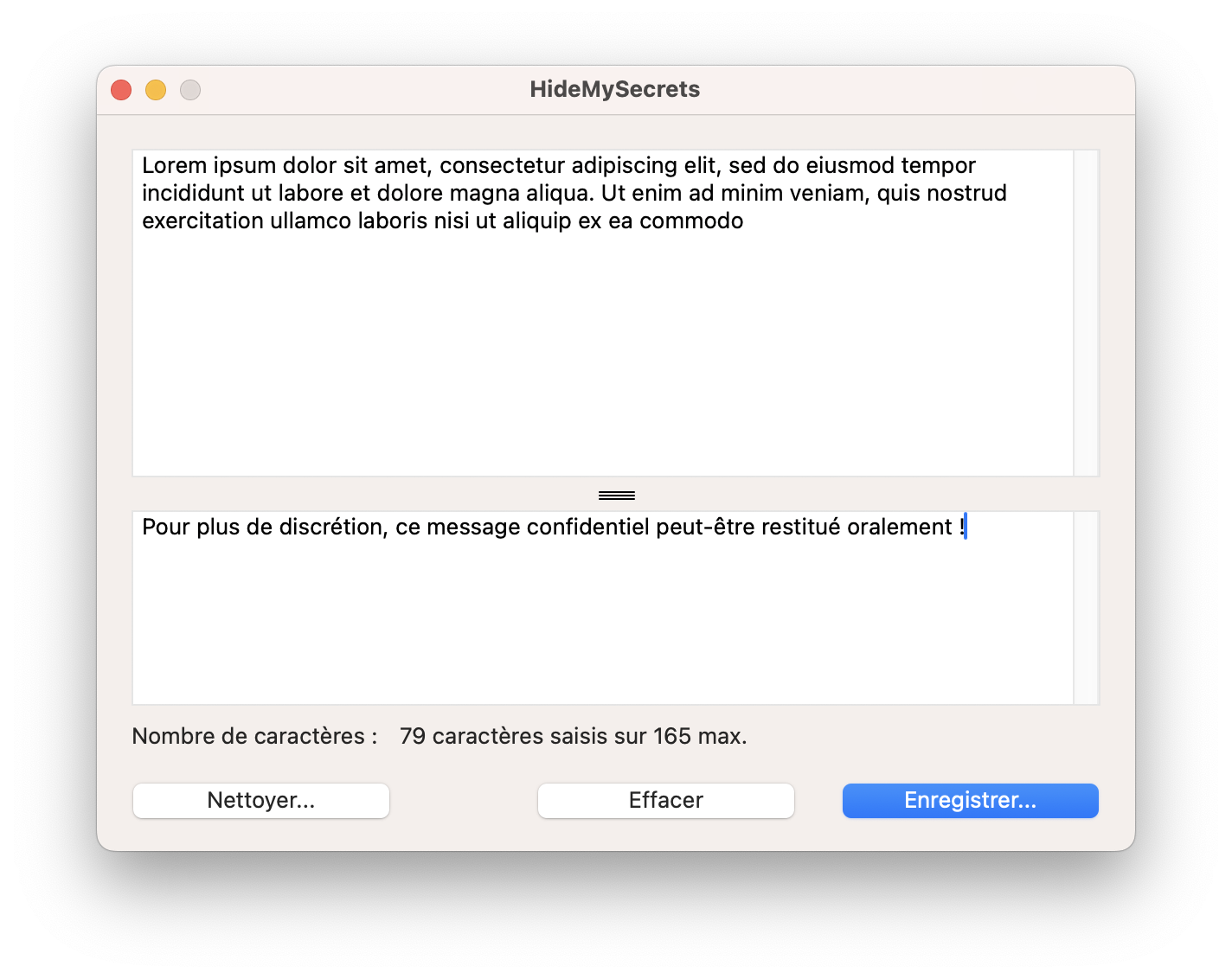
They're talking about us in the news !


In the September 2023 edition of VVMac magazine, a weekly publication focused on the Mac and the macOS ecosystem, our application is the subject of an article.


Copyright © 2023 DUBOIS Denis - All rights reserved • Design Luis Santos - Horizon prémédia • Web hostingt Infomaniak